
The Skills Booster Video Editing Course The Skills Booster Graphic Designing Course
Video Editing Course
Video is everywhere today. YouTube channels, Instagram Reels, brand ads, wedding films, online courses, web series and corporate videos all need skilled video editors. Every business now wants video content, so the demand for good editors keeps growing.
The Skills Booster offers job-oriented Industrial Training in Video Editing for students, job seekers, homemakers and anyone starting a career in the IT and creative field. You don’t need a technical background. We start from the basics and take you step by step to professional-level editing.
Our training is hands-on. You work on real projects, learn the tools professionals use, and finish with a portfolio you can show to employers and clients.
Whether you are a college student looking for industrial training, a graduate searching for your first job, or a homemaker who wants to work from home, this course is built for you.
Video editors are creative professionals who transform raw footage into engaging, polished, and impactful visual content that meets the needs and objectives of their clients.
Video editing continues to evolve with new technologies, creative techniques, and industry trends. Combining creativity with technical expertise, storytelling, and attention to detail allows aspiring editors to build a strong foundation for a successful career in the field.
The Skills Booster provides a comprehensive video editing course designed to teach everything required to develop professional-level video editing skills and create high-quality visual content.
Whether you are a beginner looking to start your career after high school or an experienced professional seeking to improve your creative and technical abilities, The Skills Booster provides practical and industry-focused learning.
The Skills Booster’s complete video editing course covers everything from the fundamentals of video editing to advanced techniques, visual effects, transitions, color correction, audio editing, and professional post-production workflows. Whether you want to enter the video editing industry or enhance your existing skills, The Skills Booster provides the knowledge and practical experience needed to achieve your career goals.
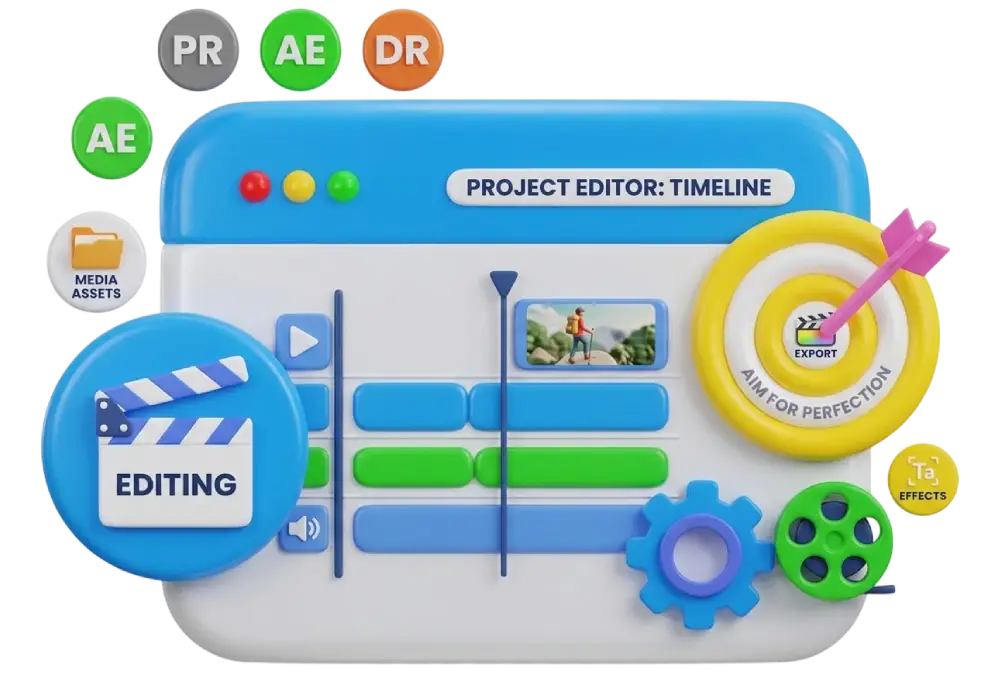
Major Modules in Video Editing Industrial Training Major Modules in Video Editing Industrial Training
Some of the major Modules in Video Editing Industrial Training are
- Overview of the video editing industry
- Types of videos (Reels, YouTube, ads, films, corporate)
- Career opportunities and roles
- Hardware and software requirements
- Frame rate, resolution and aspect ratios
- Video formats, codecs and compression
- The editing workflow: import, edit, export
- Storytelling basics for editors
- Interface, workspace and project setup
- Importing and organising footage
- Timeline, tracks and trimming tools
- Cutting, splitting and arranging clips
- Multi-camera editing
- Speed ramping, slow motion and time remapping
- Nested sequences and adjustment layers
- Keyboard shortcuts for fast editing
- Video and audio transitions
- Creative effects and presets
- Keyframe animation basics
- Stabilisation and lens correction
- Creating titles and lower thirds
- Animated text and kinetic typography
- Auto-captions and subtitles
- Reels and Shorts caption styles
- Audio basics and mixing
- Noise removal and voice enhancement
- Background music and sound effects
- Audio syncing and voice-over recording (Adobe Audition)
- Understanding colour theory and scopes
- Primary and secondary colour correction
- Cinematic looks and LUTs
- Colour grading in DaVinci Resolve
- Interface and composition basics
- Layers, keyframes and animation
- Shape layers and text animation
- Creating intros, outros and animated logos
- Green screen (chroma key) removal
- Masking and rotoscoping
- Motion tracking
- Object removal and cleanup
- Interface and workflow
- Editing, colour and Fairlight audio tabs
- Exporting and delivery
- Thumbnail design for YouTube
- Image editing and background removal
- Creating graphics and overlays
- Instagram Reels, YouTube Shorts and TikTok-style editing
- Trending edit styles and hooks
- Vertical video formats and safe zones
- Editing with CapCut
- Editing for retention and engagement
- Jump cuts, B-roll and pacing
- Thumbnails, titles and basic SEO
- Podcast and vlog editing
- Wedding highlights and cinematic edits
- Event and birthday videos
- Promotional and product videos
- Real-estate and business videos
- Explainer videos
- Brand videos and testimonials
- Social media ad creatives
- Working with client briefs
- Best export settings for YouTube, Instagram and Facebook
- Reducing file size without losing quality
- Backup, storage and file management
- Editing raw footage into finished videos
- Working on client-style briefs
- Feedback, revisions and improvements
- Finding clients on Fiverr, Upwork, LinkedIn and Instagram
- Pricing your services
- Client communication and revisions
- Building a personal brand
- Creating a professional showreel
- Building an online portfolio
- Showcasing your best projects
- Resume and LinkedIn profile building
- Interview preparation
- Editing tests and practical assignments
- Communication and presentation skills
- Setting up a home or small studio
- Marketing and branding your services
- Building long-term clients
Enroll in the Skills Booster today and unlock your full potential as a Video Editor
Students enrolling in the Industrial Training course in Video Editing at The Skills Booster have access to a comprehensive training program available during their placement period (42 Days, 90 Days, and 180 Days). The program is designed to help students develop the practical knowledge, creative skills, and technical expertise needed to build a successful career in video editing.
The Skills Booster has developed a complete Video Editing program that covers a wide range of essential modules. The course provides students with a strong foundation in video editing, storytelling, visual effects, transitions, color correction, audio editing, and professional post-production techniques. Experienced instructors provide real-world examples, practical guidance, feedback, and hands-on learning opportunities, helping students apply their knowledge to real projects and prepare for professional work environments.
If you would like to learn more about our Industrial Training in Video Editing, please get in touch with us today! We look forward to supporting you as you develop your creative skills and build a successful career in video editing.