
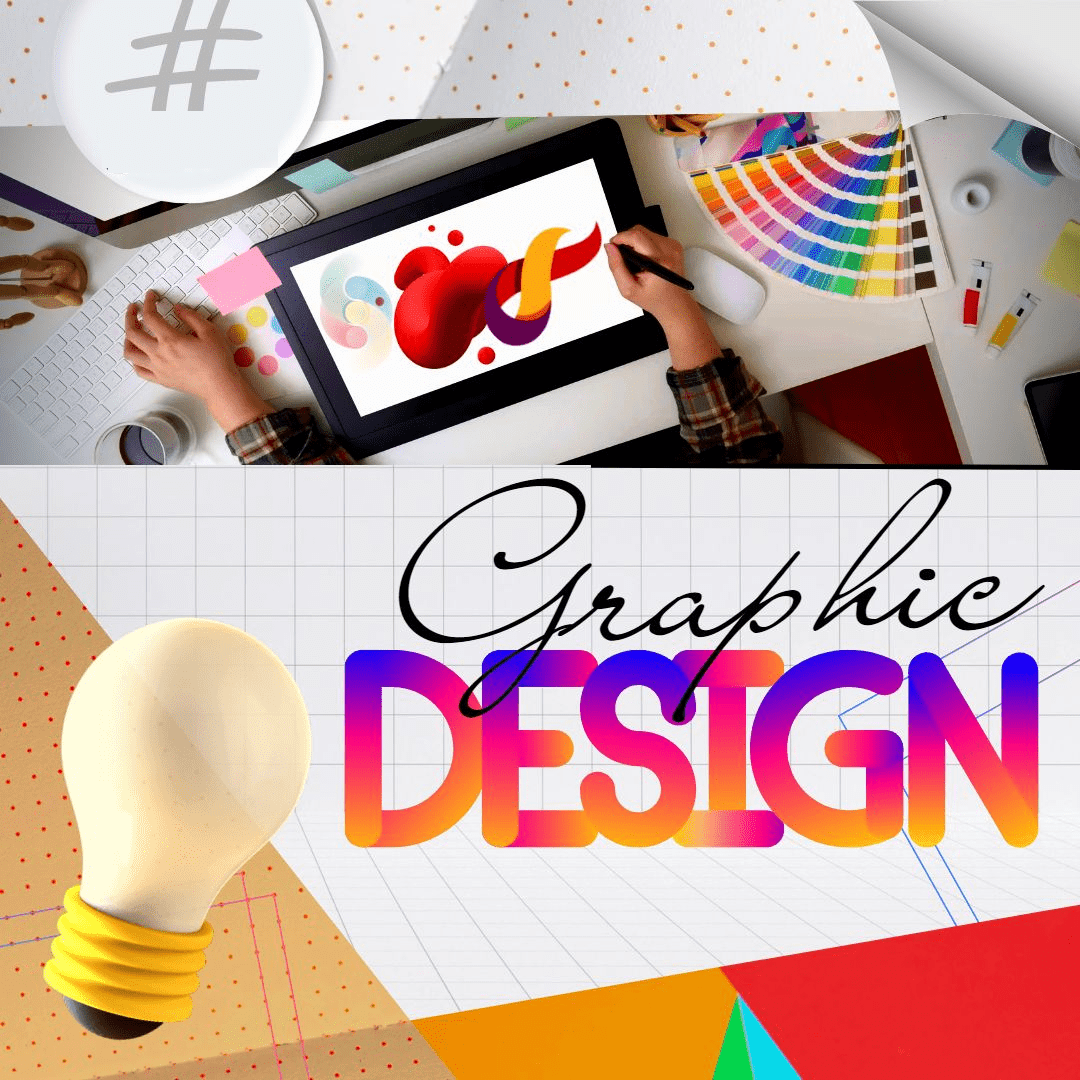
Graphic Designing that is a targeted three-month intensive course intended to train the student with robust creative and technical capabilities.
Students will develop their practical abilities to use visual communication and branding as well as digital design principles.
Graphic design is critical for today‘s businesses and creative sectors by enabling businesses to visually express their ideas. Students in the Graphic Design industrial training program will work on real projects while developing their creativity, understanding the processes of Photoshop and Illustrator, and developing and improving upon their portfolios to meet industry standards.
Students in the Graphic Design Industrial Training Program will develop their design thinking skills, increase their proficiency in design software applications, and build their portfolios in preparation for future employment.
Visual communication is accomplished through the use of graphic design elements (images, typography, colour) to express a message or an idea. Graphic Design is becoming increasingly important for marketing and branding as digital media has increased the opportunity for businesses to compete visually.
The Skills Booster offers an all-inclusive course on graphic design that provides students with the skills and knowledge they need in order to succeed as graphic designers.
Students will learn everything from the basics of design through to advanced techniques in 3D modeling and motion graphics.
All of our instructors are professionals within the graphic design industry and have a great deal of experience.
Our trainers provide individualized support for each student in order to help them receive the best training experience possible.
If you are just starting your career as a designer or if you want to enhance your skillset, our program meets your needs. Experience the universe of graphic design by becoming a part of our team today. Our training will enable you to obtain the skill set to develop beautiful graphics that have a lasting impact on the viewer.
- Overview of graphic design principles and elements
- Introduction to Adobe Photoshop and Illustrator
- Basic tools and interface navigation
- Understanding resolution and file formats
- Basic image adjustments (brightness, contrast, saturation)
- Selection tools and layers
- Creating and manipulating shapes
- Basic typography principles
- Working with fonts and text formatting
- Creating and modifying layout designs
- Introduction to grids and alignment
- Understanding color modes and profiles
- Color palettes and combinations
- Color correction and adjustment techniques
- Color management best practices
- Advanced selection techniques (masks, channels)
- Advanced layer techniques (blending modes, opacity)
- Non-destructive editing techniques
- Creative image manipulation techniques
- Understanding branding and logo design principles
- Creating and designing logos
- Designing brand guidelines and style guides
- Introduction to corporate identity design
- Basic principles of web design and user interface
- Designing user interfaces for websites and applications
- Creating wireframes and mockups
- Exporting web graphics and assets
- Introduction to illustration and icon design
- Basic drawing and sketching techniques
- Creating vector graphics and icons
- Illustration and icon design best practices
- Advanced image retouching techniques (blemish removal, skin smoothing)
- Restoration techniques for old or damaged photos
- Color correction and grading for photographs
- Compositing multiple images together
- Understanding print design principles
- Designing for print media (business cards, brochures, flyers, etc.)
- Preparing files for print production
- Common print production techniques
- Introduction to infographic design
- Creating and designing infographics
- Presenting data and information visually
- Designing charts and graphs
- Advanced typography techniques (kerning, tracking, leading)
- Creating and modifying type effects
- Designing custom typefaces
- Typographic hierarchy and readability
- Introduction to 3D modeling and rendering
- Creating 3D objects and environments
- Applying materials and textures
- Rendering 3D scenes
- Basic principles of motion graphics and animation
- Animating text and graphics
- Creating animated logos and intros
- Exporting animations for web and video
- Creating a graphic design portfolio
- Best practices for presenting your work
- Self-promotion and marketing strategies
- Preparing for job interviews and freelance work
Why The Skills Booster for Industrial Training in Graphic Designing?
The Skills Booster provides complete 3 month Industrial Training in Graphic Design, which covers all aspects of Graphic Design from basic designing techniques to advanced 3D Modelling, motion graphics etc. The instructors are professionals in the field and give individual attention to the student to enable him/her to gain the maximum benefit from the training. If you want to become an excellent Graphic Designer, we have a program for you, whether you are just beginning or have experience and want to enhance your capabilities. Sign up now and begin the road to success.